


Featured Images play a crucial role when it comes to creating an engaging and visually appealing WordPress website. These images serve as the visual identity of your blog posts, pages, and custom post types. Setting a Featured Image is making content more attractive and shareable on social media platforms. But what exactly is a featured image, and how can you make the most of it?
What Is a Featured Image in WordPress?
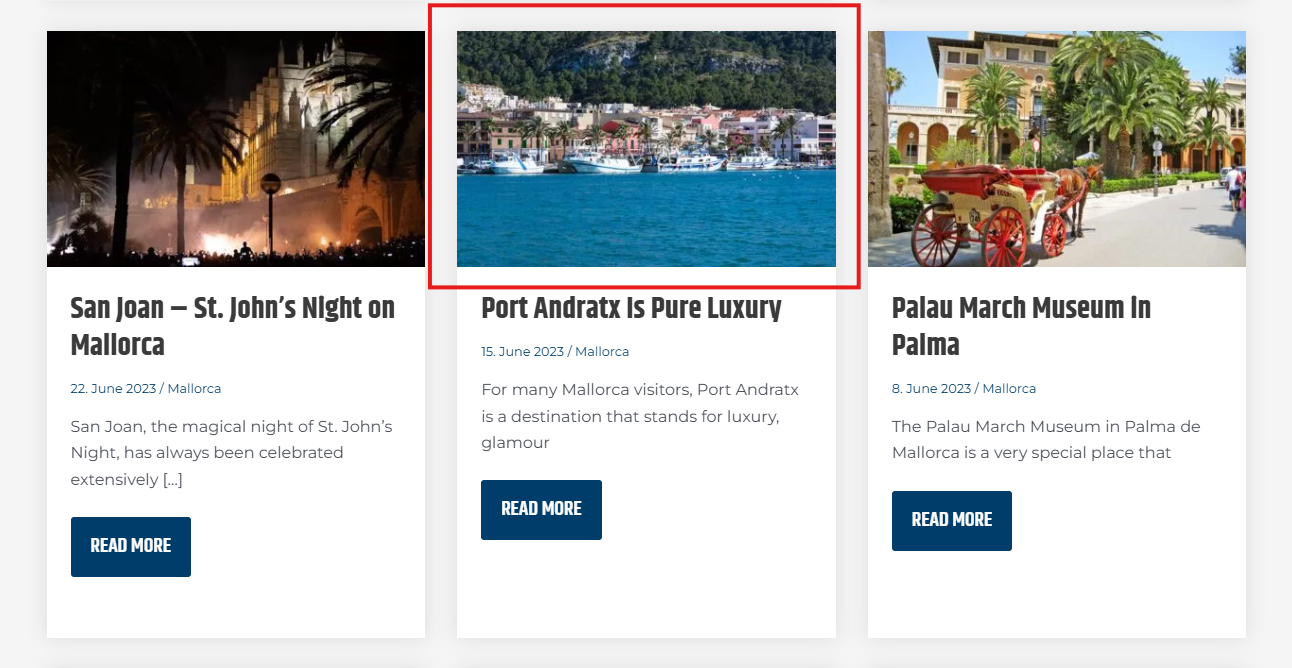
A Featured Image is the main image assigned to a post, page, or custom post type to visually represent it. Most themes use featured images to enhance blog layouts, improve user experience, and create compelling social media previews. These images are often displayed at the top of a post, in archive pages, and even on homepage sections.
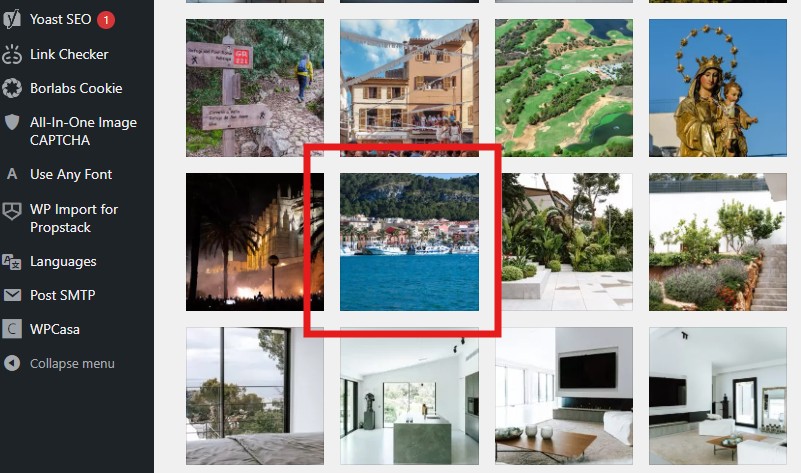
But it is important to understand that a Featured Image is not a post thumbnail. Definition of thumbnail (Cambridge Dictionary): a small picture of an image or page on a computer screen. Which means a thumpnail is a small preview version of the original image.
So, there is a clear difference:
- Featured Image: is the main image that visually represents a post, page or custom post type.
- Thumbnail: is a small preview version of an image, which can be a Featured Image.
Please find here three examples that explain the different images in “action”:



Why Featured Images Matter?
Featured images aren’t just decorative; they serve multiple important functions:
1. Enhances Visual Appeal
A well-chosen featured image instantly grabs attention and makes your content stand out. High-quality visuals create a better first impression and encourage users to engage with your content.
2. Boosts Click-Through Rates
When shared on social media platforms like Facebook, LinkedIn or X, featured images make your posts more appealing, increasing the likelihood of clicks and shares. Have in mind that this only works if you have a SEO plugin like Yoast SEO, Rank Math or The SEO Framework installed and activated.
This is what a social media post by sharing your blog link looks like if you have not set a featured image:

This is what a social media post by sharing your blog link looks like if you have set a featured image:

3. Improves SEO
Optimized featured images with relevant alt text and descriptive file names contribute to better search engine rankings, making your content more discoverable.
4. Strengthens Branding
Using a consistent style or theme for featured images can help establish a recognizable brand identity across your website and social media platforms.
How to Set a Featured Image in WordPress
Adding a featured image to your post or page is very simple:
- Open your WordPress backend
- Navigate to the post or page where you want to set the featured image.
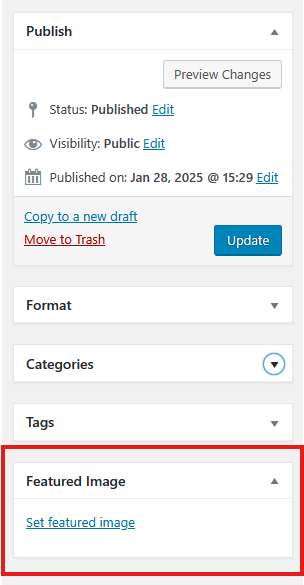
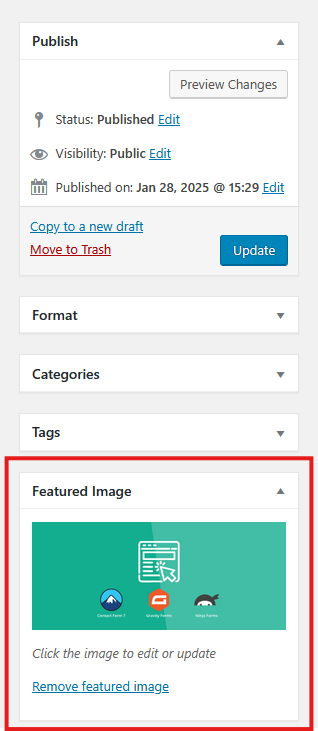
- In the right sidebar, you will find the “Featured Image” section.
- Click “Set Featured Image” to upload a new image or select one from the media library.
- Make sure to add an alt text and choose an appropriate file name for better SEO.
- Save the selection and update or publish your post.
Where to set a Featrued Image
Featured Image selected
Best Practices for Choosing Featured Images
To maximize the impact of your featured images, follow these best practices:
- Use high-quality images – Crisp, clear, and visually appealing images enhance professionalism.
- Optimize for speed – Compress images using tools to prevent slow page load times.
- Stay relevant – Choose images that reflect the topic of your post to improve user engagement.
- Add branding elements – Consider adding text overlays, logos, or filters to maintain consistency.
- Keep image dimensions consistent – Stick to the recommended size of your theme to ensure proper alignment. Make sure that the featured image is selected in such a way that it still makes the central statement, even if it is cropped by the theme. Note that margins could be automatically cropped by the layout of the theme.
Start making the most of featured images today, and watch your website come to life with stunning visuals!
Video – What is a Featrued Image